
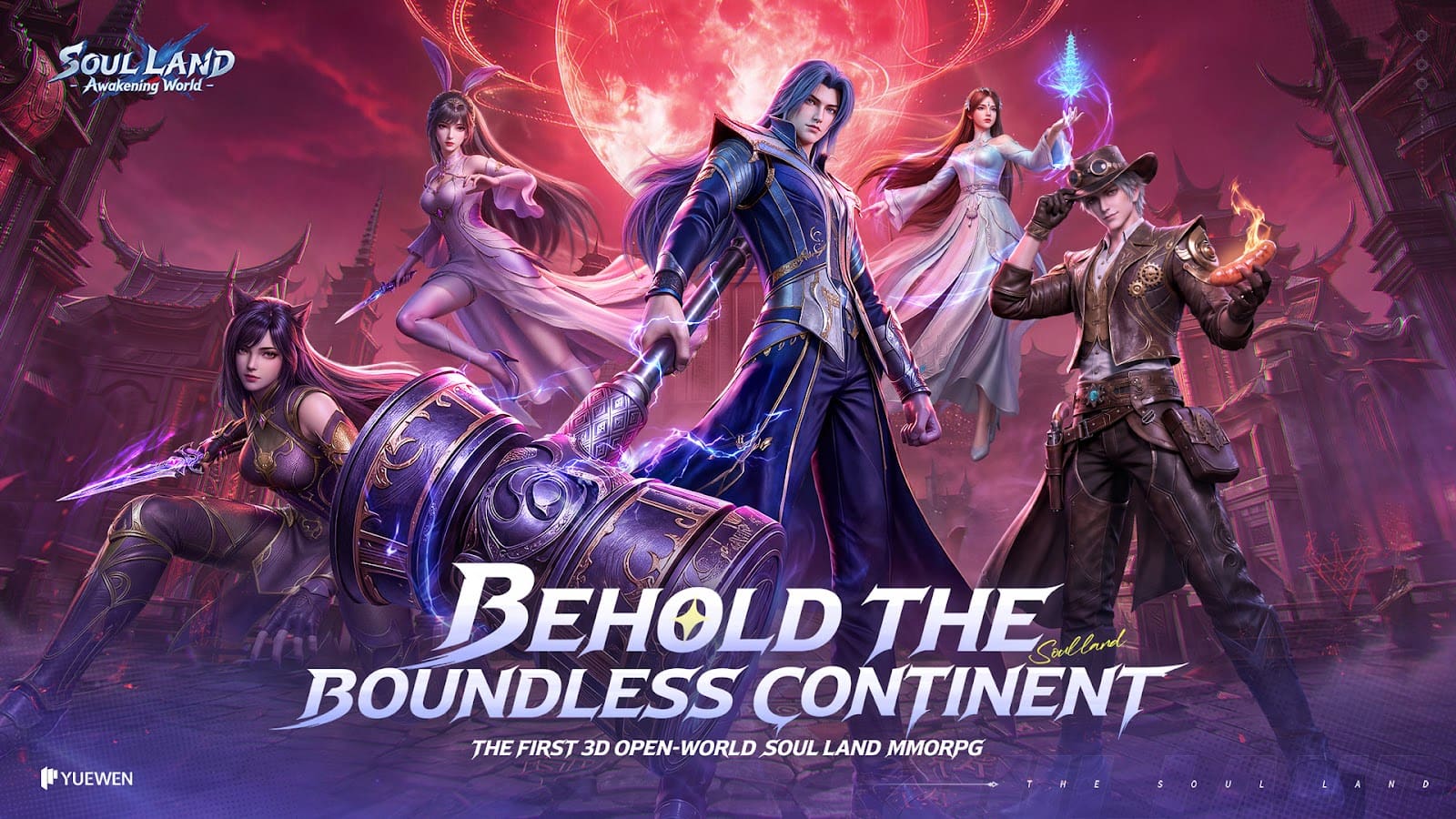
Soul Land: Awakening World is the 37Games open-world MMORPG, live on Android and iOS since June 3, 2026 and on Steam since June 30, 2026. Same servers on all three, one 37Games account, and English, Thai, Traditional Chinese and Vietnamese in the menus. Do not confuse it with Soul Land: New World, the turn-based LRGame title: different game, different accounts, nothing carries over.
I put it on the three machines on my shelf: a five-year-old laptop, my current desktop, and a phone that had barely 6 GB free when I started. What follows is what each one needed to get in, the account steps that make the cross-save actually work, and the settings I left in place.
It runs on Steam, Android and iOS, and weighs 20 GB on PC
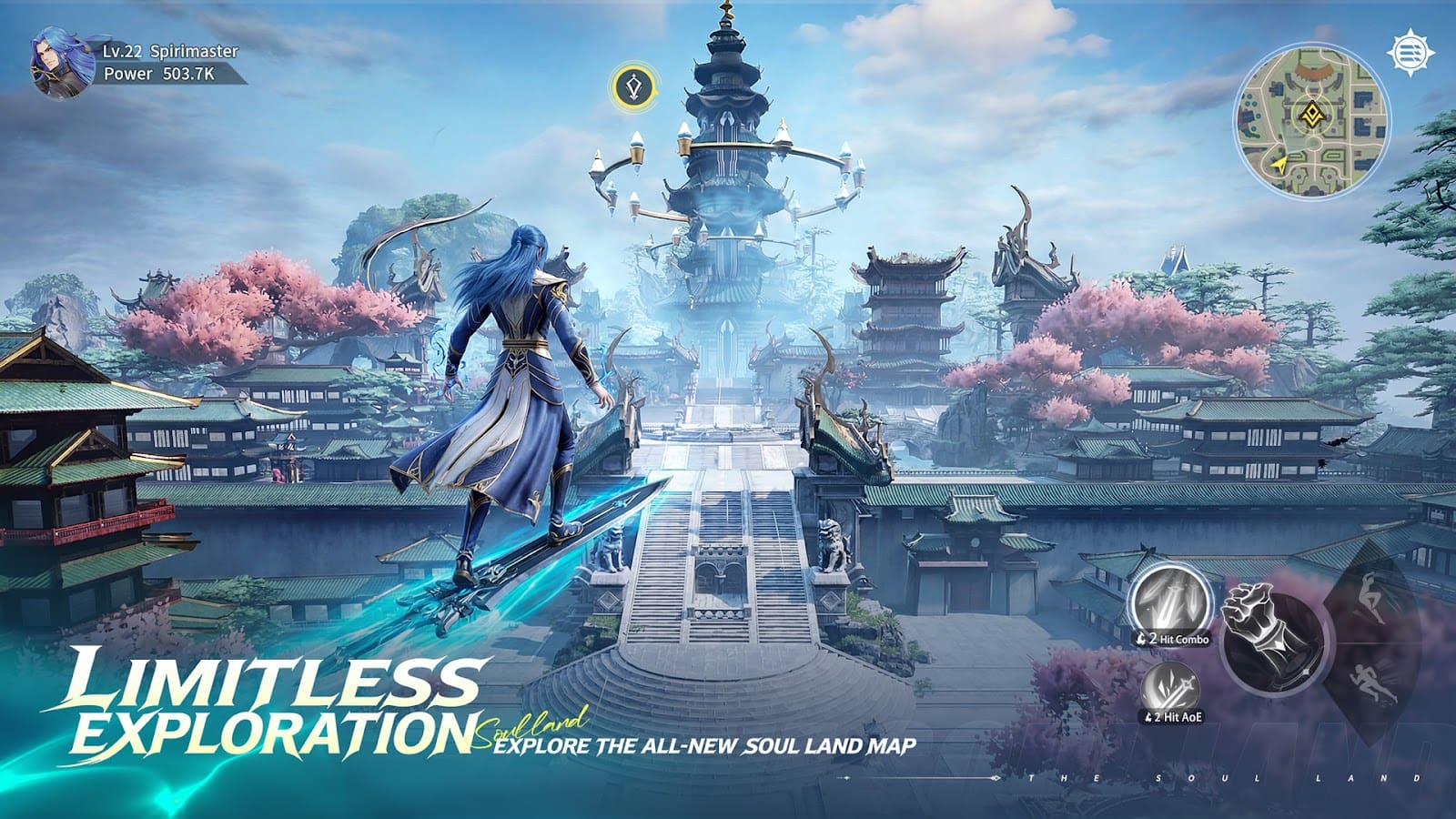
Three platforms, no console, no Mac. PC goes through Steam, phones through Google Play and the App Store. Everything below is the SEA and global build; mainland China runs a separate version.
| Platform | Store number | What it really takes | Minimum |
|---|---|---|---|
| PC (Steam) | 20 GB | 20 GB plus patches | 64-bit Windows, 12 GB RAM, 16 GB recommended |
| Android | about 1.5 GB | about 15 to 16 GB after the in-game data | Android 8.0, 4 GB RAM recommended |
| iOS | store listing | budget the same 15 to 16 GB as Android | iOS 13.0 |
| Console, Mac | not available |
The 1.5 GB store number is the launcher, not the game. On my phone, the first start pulled the rest and I had to delete two games to let it finish. Steam names no graphics card, only 12 GB of RAM, which rules out most 8 GB laptops before the GPU even matters.
Cross-save runs on a 37Games account, not on your Steam login
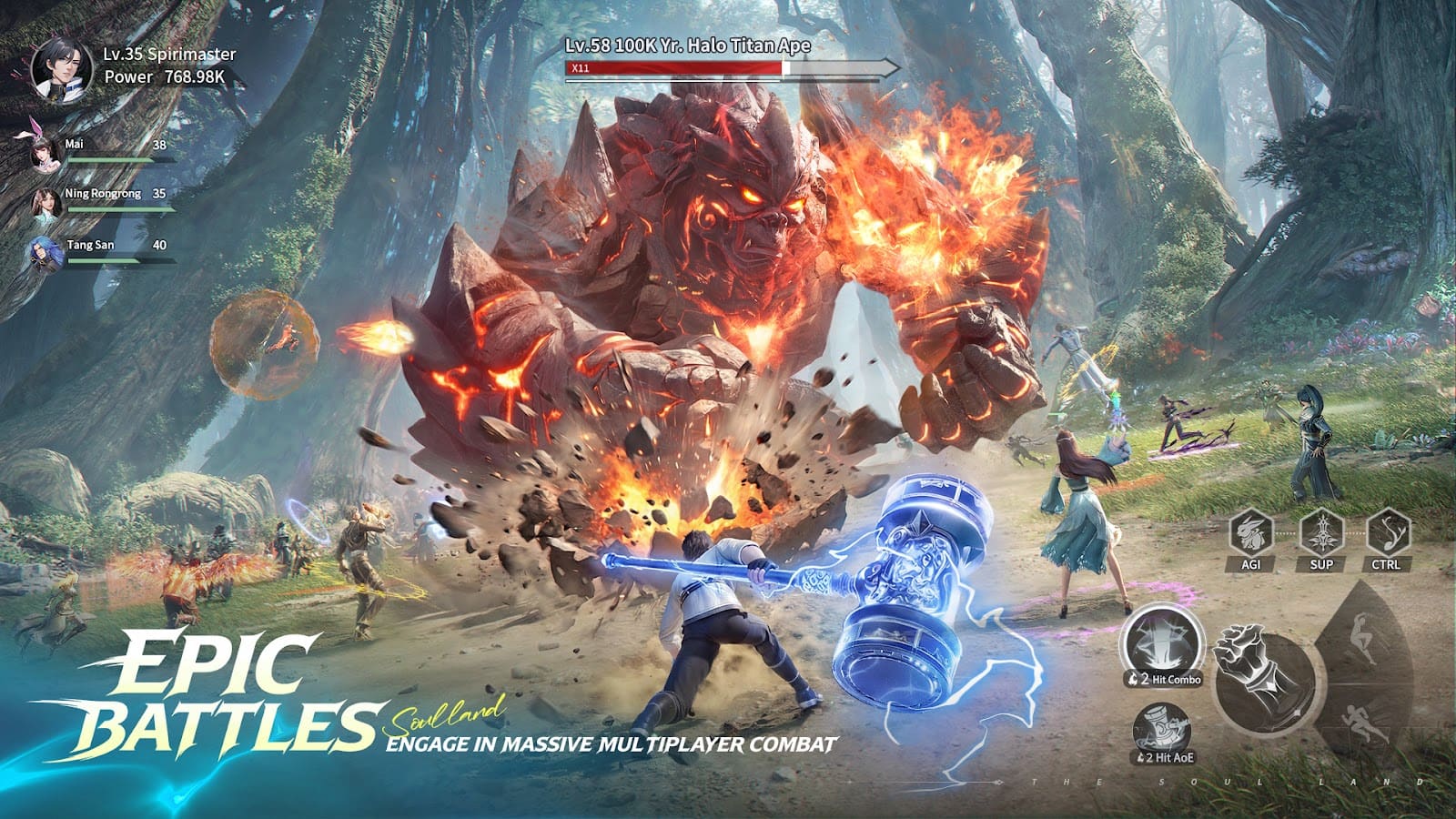
Your Steam login carries nothing. Steam opens a separate 37Games launcher, and the account you create inside it is the one that exists on Android and iOS. All three platforms sit on the same servers.
| Device | Sign-in path | Bind this before you switch |
|---|---|---|
| PC (Steam) | 37Games launcher, account created in it | Email and password |
| Android | Google Play or 37Games email | Email, from the in-game account screen |
| iOS | Apple ID or 37Games email | Email, same screen |
The order that works
- Open the account screen before the tutorial ends, on whichever device you start with.
- Bind an email and set a password. Guest and platform-only logins are the ones that get stranded, and not every region links every path.
- On the second device, pick email login, not the Google or Apple button.
- Choose the same server. The account is global, the character is not.
- See your character on both screens before you spend anything.
I created mine on the phone with the Google button, then hit the Steam launcher, which asked for an email I had never bound. Back to the phone, bind, second try: my character was there on PC. Ten minutes lost, nothing worse.
Start on Steam with 12 GB of RAM, on the phone with 8
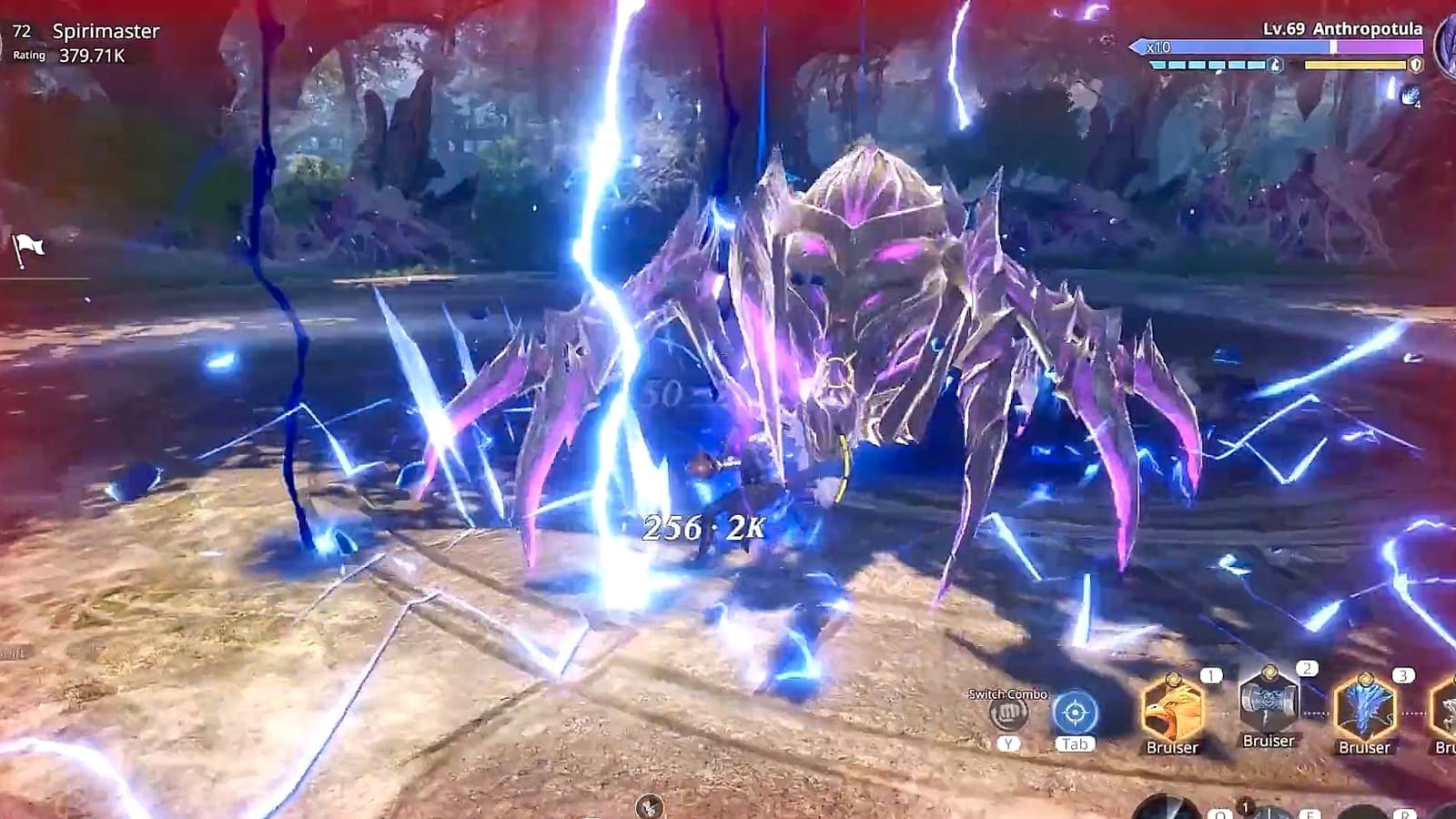
Start on Steam if you have 12 GB of RAM and 20 GB on an SSD. Start on the phone if either is missing. The character moves later anyway.
Steam first
- Your machine has 12 GB of RAM or more. That is the listed floor, and I would not fight it with 8.
- You want a mouse for the non-targeted combat and the aerial dodges.
- You play evenings at a desk. The launcher stays open after you quit the game, so close it yourself.
Phone first
- Your laptop has 8 GB. The Android build asks for Android 8.0 and about 16 GB free, with 4 GB of RAM recommended.
- You want dailies on the train and the same character on PC at night. That is exactly what the shared account is for.
- Your phone is short on space. The game still fits, but clear 16 GB before the first start, not 1.5.
For where this game sits next to the other Soul Land titles, the pillar covers the rest.
Play Soul Land: Awakening World free tonight, on the device you already have
Free on Steam, Android and iOS, and one 37Games account carries the save across all three, so nothing is lost by starting on the phone tonight. Bind an email on the first device: the login button you press on day one decides whether the save follows you.
Play Soul Land free →The settings that hold a frame rate on a five-year-old laptop
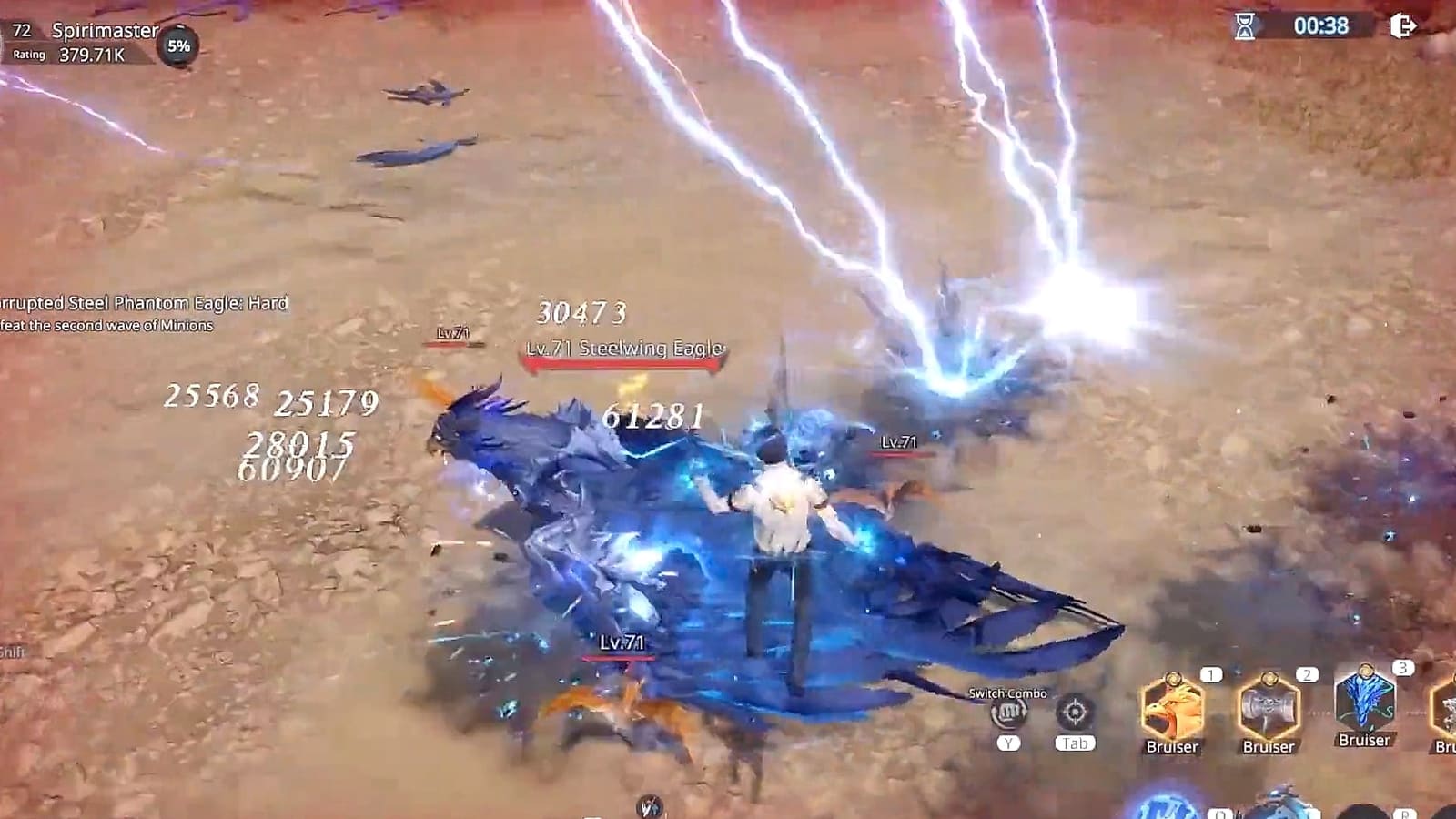
Frame drops after entering the open world are a documented issue, not your machine. The standard fix list is short: update the GPU driver, verify Steam files. Do that first, then touch the settings.
On the five-year-old laptop
On my laptop, two settings moved the frame counter: resolution scale and shadows. Everything else was noise. This is what I left in place, with what it costs you on screen:
- Preset: Medium. Ultra by default is how this game stutters in towns.
- Resolution scale: 80 percent. You lose sharpness on distant signs, nothing in combat.
- Shadows: Low. You lose the shadow under your character in daylight scenes.
- Anti-aliasing: off. Jagged edges on hair and cables, and that is all.
- Frame limit: 60. A 120 cap on a 60 Hz laptop screen only heats the fan.
On the desktop and the phone
On my current desktop, nothing mattered except player display in crowded hubs: cap that, raise the rest. On the phone, Medium with a 30 fps cap ran cool. High settings drain the battery fast, so plug in for anything higher. The exact wording of each menu differs slightly between Steam and mobile.
Settings reference by machine
| Setting | Five-year-old laptop | Current desktop | Phone |
|---|---|---|---|
| Preset | Medium | High | Medium |
| Resolution scale | 80% | 100% | Default |
| Shadows | Low | High | Low |
| Anti-aliasing | Off | On | Off |
| Frame limit | 60 | Monitor rate | 30 unplugged, 60 plugged in |
| Player display in hubs | Low | Medium | Low |
| What you lose on screen | Distant sharpness, daylight shadow | Nothing visible | Shadow, edge smoothing |
Read next
- The Soul Land pillar: from the novel to the games, platforms, sizes and gacha — The wide view: which Soul Land game is which, and where each one runs.
- What the free player hits in Soul Land: Awakening World's shop — You will see the shop before you finish the tutorial; know what it sells before you spend.
- Servers, the ninth ring and Omni cards explained — Server choice is the one thing the shared account does not move; that piece explains the list.
- Ragnarok Online: 20 GB, blocked on Steam Deck, fine on a ten-year-old laptop — Same 20 GB footprint, far lighter on RAM: the MMO to try if 12 GB rules this one out.
- NTE: 60 GB, GTX 1660 minimum, platforms and the settings that hold 60 FPS — The same settings method on a heavier game, if your machine clears both.