
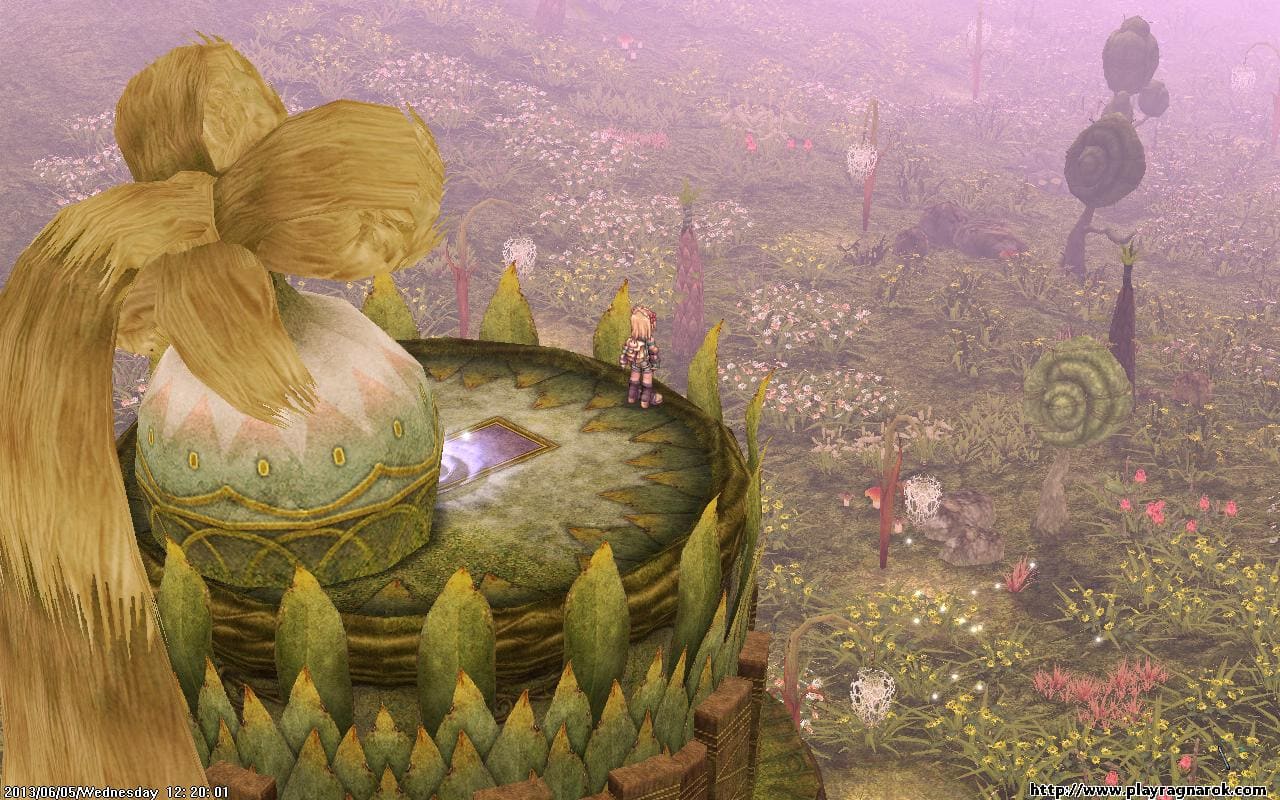
Ragnarok Online is Windows-only and free on Steam. Reserve 20 GB, even though the minimum line says 10 — the installer is about 2 GB and the patcher fetches the rest on first launch.
Steam Deck is the hard no. The Steam client ships with Easy Anti-Cheat and no Linux module enabled, so SteamOS hands you an error instead of a character screen. Old Windows laptops are the opposite story: a 2002 sprite engine asks almost nothing of a graphics card, and five chat commands are what actually hold the frame rate in town.
Reserve 20 GB, Not the 10 GB the Minimum Line Promises
Reserve 20 GB, not the 10 GB quoted as a minimum. The published requirements split in two: 10 GB against the old 32-bit configuration, 20 GB against the current one. Take the larger number.
The installer itself is around 2 GB. Everything else arrives through the patcher on first launch, in thousands of small files. That gap is why forum answers to "how big is it" never agree with each other.
On a drive that is nearly full
Headroom matters more than the final figure. The patcher unpacks in place, so a drive with exactly 20 GB left will stall on you halfway.
- Install on your roomiest drive — relocating the folder later means a full re-verify
- Budget 25 GB if you have it, 20 GB if you do not
- Patch days cost hundreds of MB, not another full download
- Mobile is a different game: Ragnarok M and Ragnarok Origin are separate clients with their own sizes
I keep one laptop deliberately close to full, because that is the reader who gets stuck. Ragnarok fits on it — but only with a few GB left to breathe.
Steam Deck Stops at the Anti-Cheat, Before the Login Screen
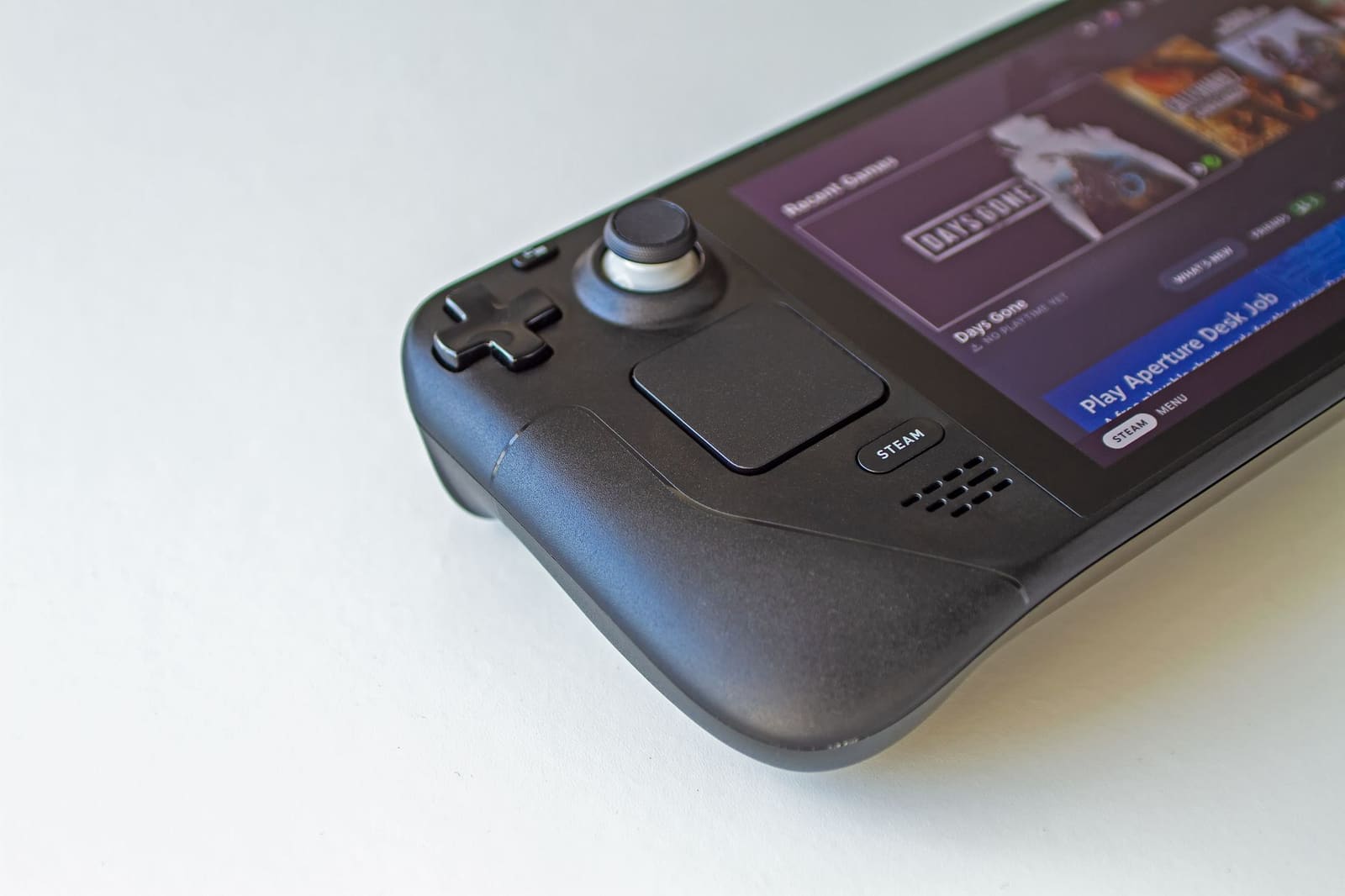
Steam Deck cannot run the Steam version of Ragnarok Online. The client ships with Easy Anti-Cheat, and the developer has never enabled the Linux module. Proton has nothing to work around that with.
The failure is not subtle. The game launches, the anti-cheat refuses, you get an error box. Players have reported the same thing on the Steam forums for years, and nothing through 2026 has changed it.
Your two working routes
- Windows on the Deck. Valve publishes the drivers. The game then behaves like any small Windows laptop — set 1280x800, windowed.
- Remote Play from your desktop. Free, works over your own network, and the anti-cheat stays happy on the PC side.
Check the app page before you trust me. If the community compatibility rating ever climbs off the bottom, the developer has flipped the switch and this section is stale.
I went for the Deck first, because a 2D sprite MMO on a handheld is the obvious dream. It dies at the anti-cheat, and no launch option resurrects it.
Five Chat Commands That Hold the Frame Rate in Town
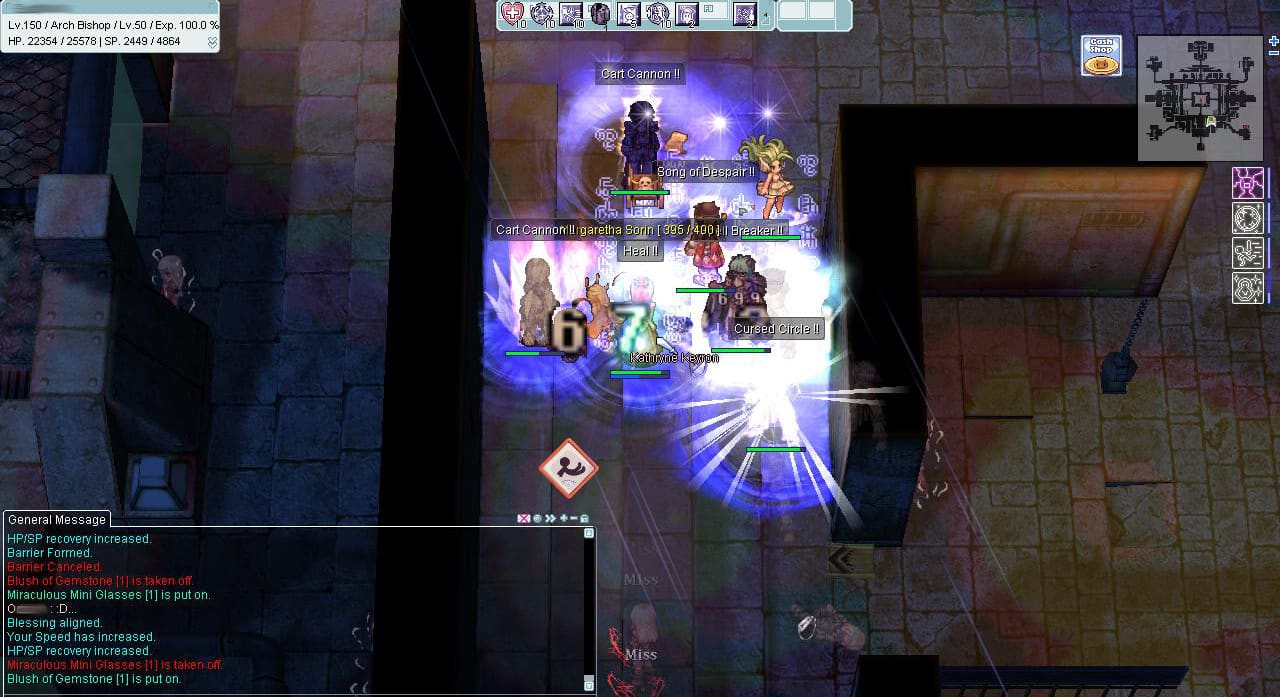
Type these into the chat window the first time you log in. They are client-side, they persist between sessions, and they cost you effects you were not reading anyway.
- `/mineffect` — minimal skill effects. The single biggest change in a crowded map.
- `/aura` — hides level-99 auras. In a busy market that is dozens of them at once.
- `/fog` — fog off. Free frames on the maps that use it.
- `/effect` — toggles every effect. Keep it for siege crowds.
- `/lightmap` — drops lightmap rendering.
Measure it yourself, in one spot
Stand at the Prontera fountain at a busy hour. Toggle `/mineffect` and watch your frame counter. That one map is where the client breaks, so it is the only benchmark worth running.
What you give up on screen
Skill animations become plain shapes. You lose spectacle, not information — damage numbers and cast bars stay exactly where they were. Resolution and windowed mode live in `opensetup.exe`, in the game folder, not in the game menu.
The client caps at 60 FPS by default. On an old CPU, leave that cap on.
Play Ragnarok Online free tonight on Windows: 20 GB and a 4 GB machine is enough
Free-to-play. Reserve 20 GB before the patcher starts, and skip it entirely if a Steam Deck on SteamOS is your only machine.
Play Ragnarok Online free →The Real Ragnarok Online System Requirements Are CPU, Not GPU
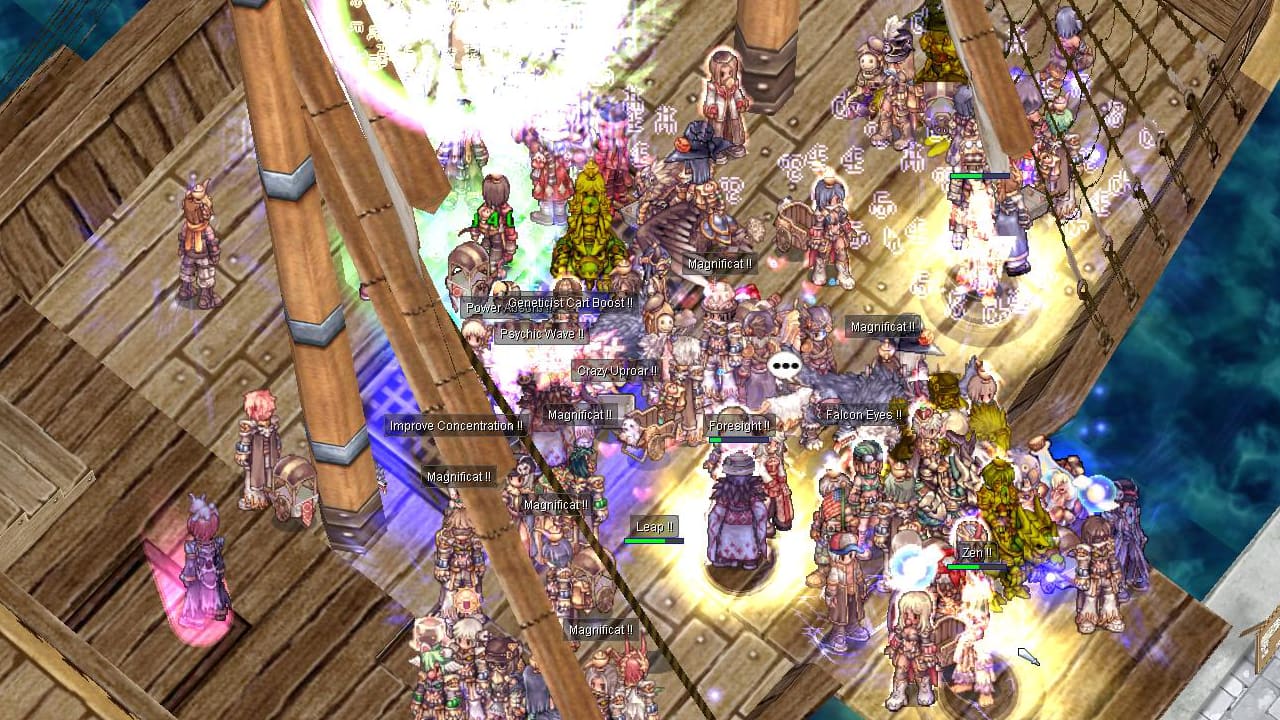
Your processor decides this, not your graphics card. Ragnarok Online is a 2002 sprite engine on a DirectX 9 path. Integrated graphics have been enough for over a decade.
The published lines say so themselves:
- Minimum: Windows 7 32-bit, Pentium 4 2.0 GHz, 2 GB RAM, DirectX 9.0c, 10 GB free
- Recommended: Windows 10 64-bit, Core i5 3.0 GHz, 4 GB RAM, DirectX 11, 20 GB free
No graphics card is named on either line. That is unusual for an MMO, and it is the most useful fact on the sheet.
Where it actually collapses
Crowded maps. The client draws every character, pet and effect in view, and it does not spread that work well. Field maps stay smooth on hardware that has no business being smooth.
On the oldest machine on my shelf the fields were never the problem — the fountain in Prontera was. If your laptop struggles, it struggles in town, and `/mineffect` is the fix.
RAM is the one line worth checking. 2 GB is survivable, 4 GB is where the stutter stops.
What Would Change This Answer
Anti-cheat support is the one thing that would flip this article. Epic supports EAC under Proton; the switch belongs to the developer. Watch the app's compatibility page rather than the forums.
Non-Steam clients are a separate case. Renewal clients without the anti-cheat are reported to run well under Proton. Your Steam install will not connect to them — it only talks to official servers, and that whole landscape belongs to the versions article.
A near-full drive bites on patch day, not install day. Keep 5 GB spare and the patcher stops failing mid-update.
High-DPI laptops need OpenSetup, not Windows scaling. Set the resolution in the launcher; the client ignores what Windows tells it about your screen.
Machine by machine: what runs, what to reserve, and what to set once you are in.
| Machine | Does it run? | Disk to reserve | Settings that hold it |
|---|---|---|---|
| Windows 10/11, Core i5 + 4 GB RAM | Yes — the listed recommended line | 20 GB | Defaults, DirectX 11 device |
| Windows 7 32-bit, Pentium 4 + 2 GB RAM | Yes — the listed minimum line | 10 GB | 1024x768, DirectX 9.0c, /mineffect |
| Laptop with integrated graphics | Yes — the GPU is not the limit | 20 GB | 60 FPS cap on, /aura off, /fog off |
| Steam Deck on SteamOS | No — EAC ships no Linux module | — | None; Proton cannot clear it |
| Steam Deck with Windows installed | Yes — community route, Valve drivers | 20 GB + Windows | 1280x800 windowed, /mineffect |
Read next
- Which Ragnarok Online version you are actually playing — Silo pillar: the Steam client is one version among several, and only the pillar maps servers, VIP and cards.
- The classes that farm on their own — Natural next step once the client runs: what to roll on a machine that handles fields better than towns.
- Other free PC games weighed in GB, with their settings — Same Setup register: weight first, then the settings that hold a frame rate.
- What does run on a Steam Deck and a small PC — Direct exit for the reader whose only machine is a Deck and who just got refused here.
- MMOs like Ragnarok without paid EXP — Answers the reader who bounces off the monetisation once the install question is settled.