
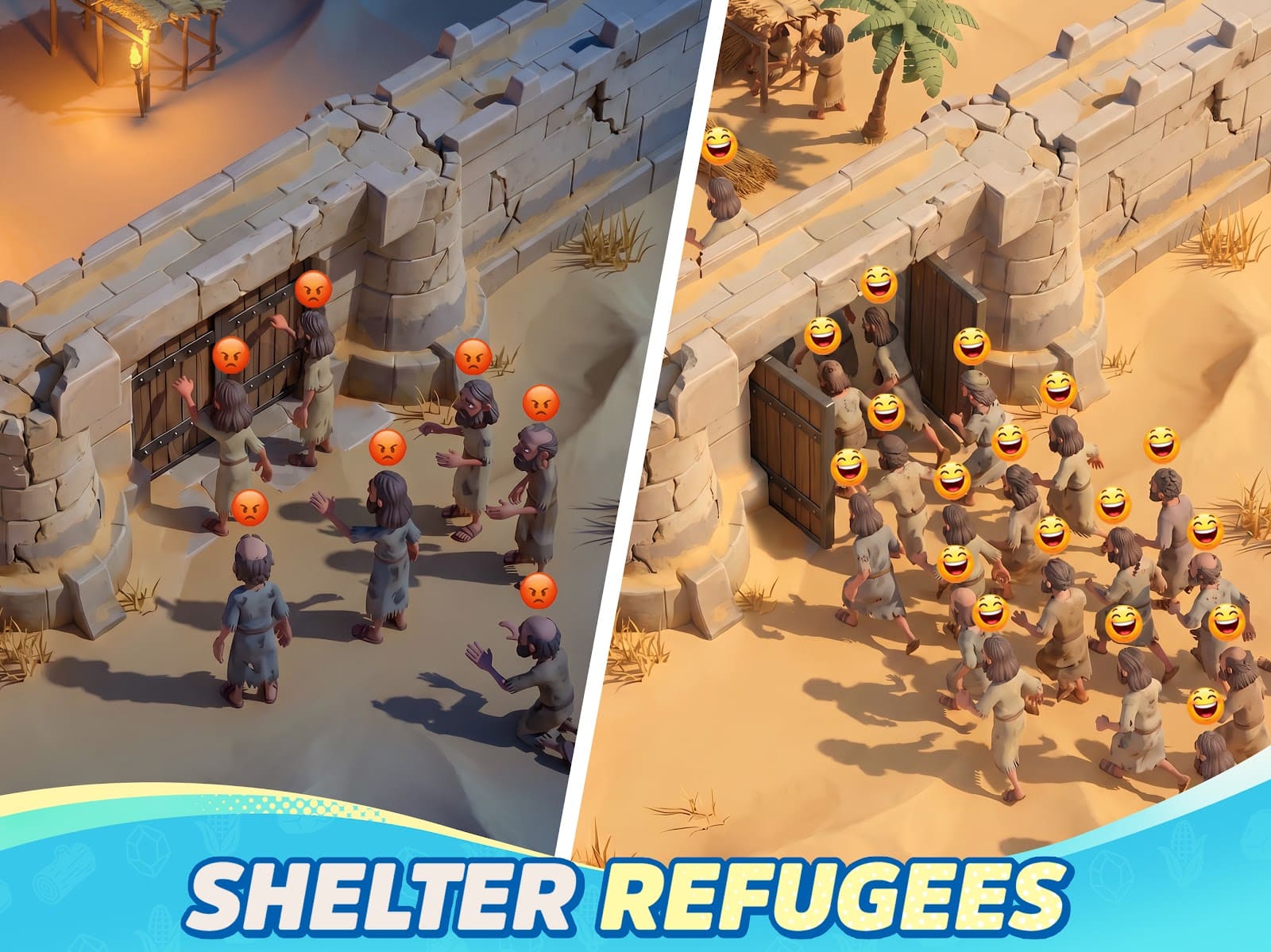
Rise of Kingdoms on PC is Lilith's own Windows client, shipped since 2022. It is the version I run on my desktop and on the five-year-old laptop on my shelf. It is free, it does not go through Steam, and it signs you in with the Google or Facebook account already bound on your phone.
Mac splits on the chip. An M1 or newer opens the iPhone app from the Mac App Store with no emulator. An Intel Mac gets nothing: neither BlueStacks Air nor MuMu Player runs there, so your options are your phone or a Windows machine. Below is what each machine needs, in figures, then the settings I actually use.
Rise of Kingdoms on PC means the free Lilith client, not Steam
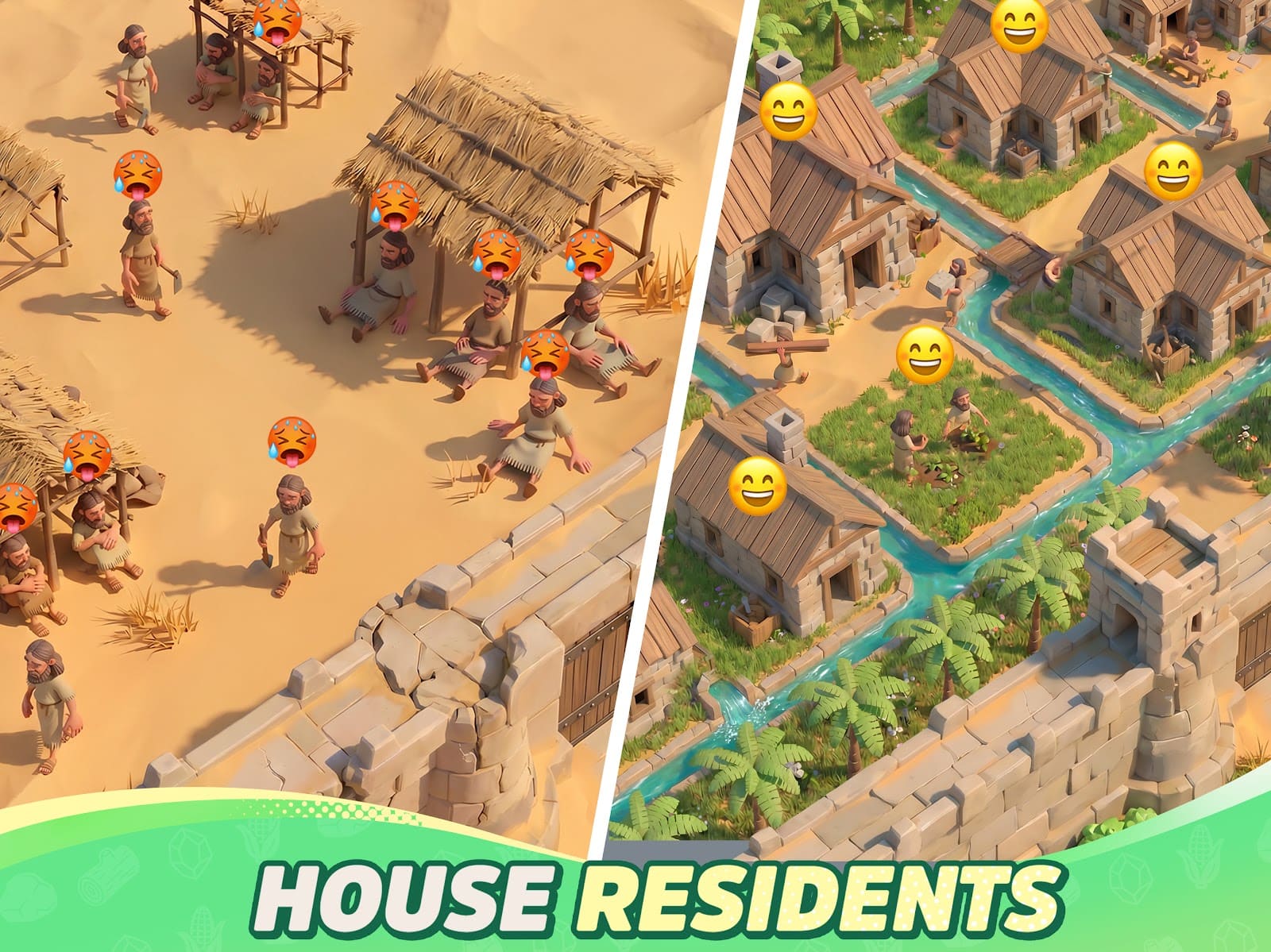
The official Windows client is free, and 5 GB is the space to clear before you start. Lilith lists 5 GB as the minimum. I keep 10 GB free, because the patch on first launch does the filling, not the installer.
Windows 7 through 11 are supported, and the minimum is modest: a Core i5-class CPU, 4 GB of RAM and any DirectX 11 graphics card, integrated included. My five-year-old laptop with Intel integrated graphics runs it on the preset below.
The login is the only gate
You sign in with Google or Facebook, nothing else. The PC client has no Apple ID button. If your phone account is bound only to Apple, open the game on the phone, go to Settings, then Account, and add Facebook or Google.
The client changes the screen, not the economy. VIP tiers and packs cost the same on PC as on the phone. Our Lost Crusade overview covers that side. At the door, nobody asks for your wallet.
Rise of Kingdoms on Mac: M1 or newer runs the App Store app, Intel Macs are out
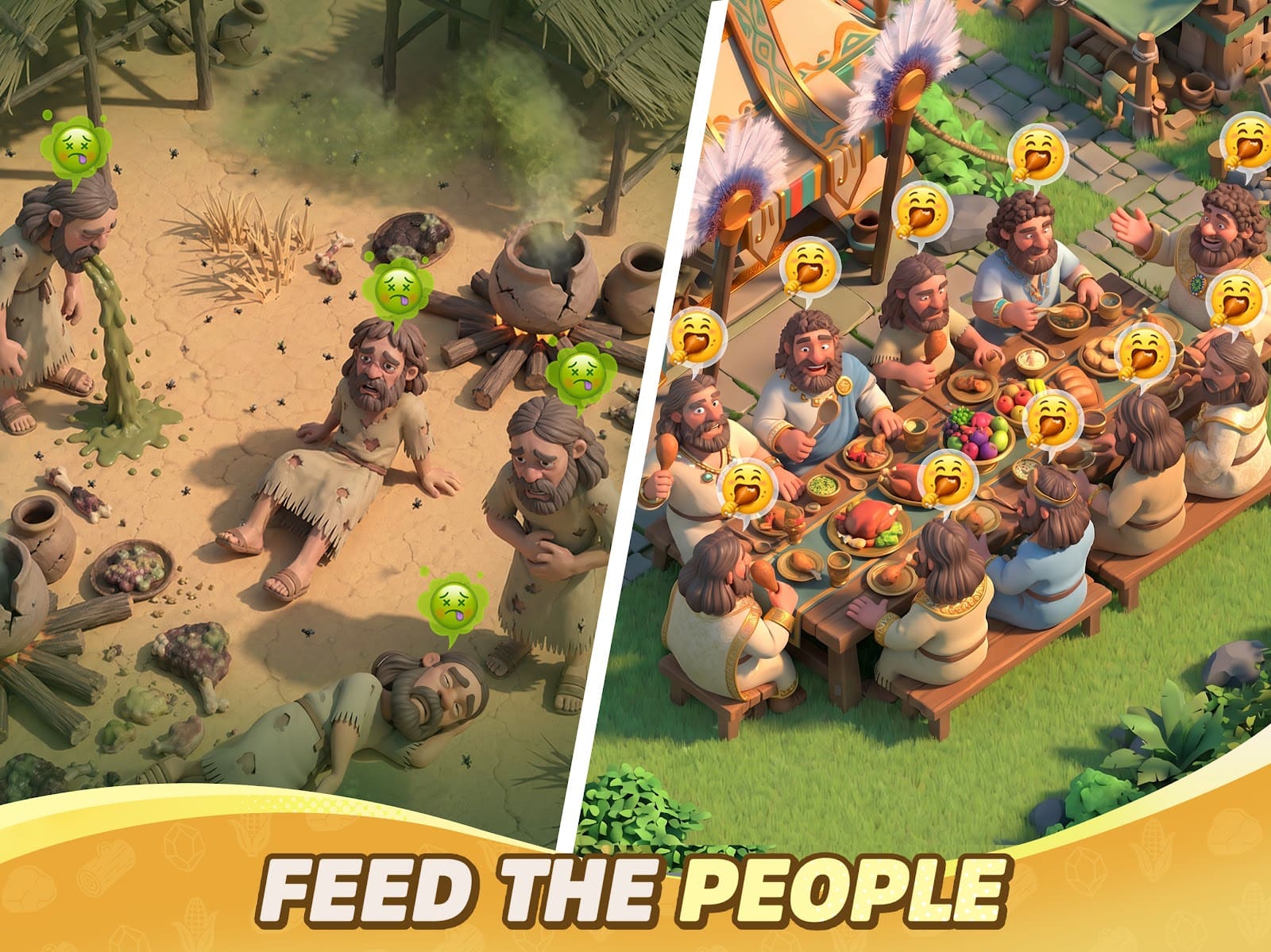
A Mac with M1 or newer gets the native route: the iPhone app from the Mac App Store, no emulator. The listing asks for macOS 11.0 or later and shows 2.2 GB. Sign in with the Apple ID, Google or Facebook from your phone.
BlueStacks Air is the emulator fallback, and it is Apple Silicon only. Take it if you want two cities in two windows, or keyboard mapping. Budget 10 GB free and 4 GB of RAM on macOS 11 or later. MuMu Player Pro is also M-series only, and its Mac line is paid after a seven-day trial.
Intel Macs have no route left
An Intel Mac cannot run Rise of Kingdoms anymore. BlueStacks dropped its Intel build and MuMu Player never had one. Do not chase old installers. Keep playing on the phone with the account bound, or use the Windows client on any PC in the house.
Three settings hold 60 FPS on a five-year-old laptop

Frame Rate at Very High is the 60 FPS setting; anything lower caps below it. It lives under Settings, then Graphics. On my laptop, Very High kept the fan running for the whole session. On the desktop it costs nothing.
My laptop preset, in the order you tick it:
- Frame Rate: High on a laptop on battery, Very High plugged in or on a desktop
- Graphics Quality: Medium on integrated graphics, High on any discrete card
- Simplify Graphics: on for the world map on integrated graphics
- Windows power plan: Balanced or High performance, never Power saver, which throttles the CPU even when plugged in
What the smooth setting costs you on screen
Simplify Graphics turns marching armies into plain markers on the world map. Medium quality flattens shadows and building detail in the city. I could not see the difference during a rally. I could see it every time I zoomed into my own city.
High frame rate plus Simplify Graphics gave me the fan back on the laptop, with a map that scrolls without hitching. Do not push the client above 60: the game is not built for high refresh, and an uncapped rate hurts frame pacing.
Rise of Kingdoms free on Windows: the official 5 GB client
Free on Windows, Mac M1 and phone; the account you already bound opens the same city on the client tonight.
Play Rise of Kingdoms free on PC →Your city follows the login, and phone storage is why you move

One login, every device: the same city opens on the phone, on Windows and on a Mac. Bind Google or Facebook on the phone before you touch a PC. Apple ID alone does not open the Windows client.
The store number is not the final number on a phone. The listings sit between 1.3 and 2.2 GB depending on the store and region, and the in-game resource packs land after that. My phone has under 2 GB free, and that is exactly why I moved to the client.
The PC's 5 GB budget is the honest one: it is simply written down up front. If even 5 GB is too much for your drive, our light free PC games list ranks titles by weight.
One city, one device at a time
Do not run the same account on two devices at once. The last login wins and the other device drops back to the title screen. Close the game on the phone, then open the client.
Figures read from the official client page, the App Store and Google Play listings, and the BlueStacks Air requirements, checked in September. Store sizes move with each patch; the PC budget does not.
| Machine | Route | Space to free | Minimum | Login |
|---|---|---|---|---|
| Windows 7, 8, 10, 11 | Official Lilith client (rok.lilith.com) | 5 GB minimum, 10 GB comfortable | Core i5-class CPU, 4 GB RAM, DirectX 11 GPU | Google or Facebook |
| Mac, M1 or newer | Mac App Store (iPhone app, native) | 2.2 GB store listing, plus in-game packs | macOS 11.0 or later | Apple ID, Google or Facebook |
| Mac, M1 or newer, two windows | BlueStacks Air (emulator) | 10 GB | macOS 11 or later, 4 GB RAM | Google Play account |
| Mac, Intel | None: BlueStacks Air and MuMu are Apple Silicon only | - | - | - |
| Android phone | Google Play | 1.3 to 1.6 GB store listing, plus in-game packs | Android 5.1 and up (APK listing) | Google or Facebook (Apple, Lilith by region) |
| iPhone, iPad | App Store | 2.2 GB, plus in-game packs | Current iOS | Apple ID, Google or Facebook |
Read next
- Rise of Kingdoms Lost Crusade: PC, VIP, commanders and KvK
- Games like Rise of Kingdoms for PC without VIP tiers
- Which commanders to level first, talents included
- Light free PC games: what each one weighs in GB
- Free games to play on PC: launcher, GB, business model