
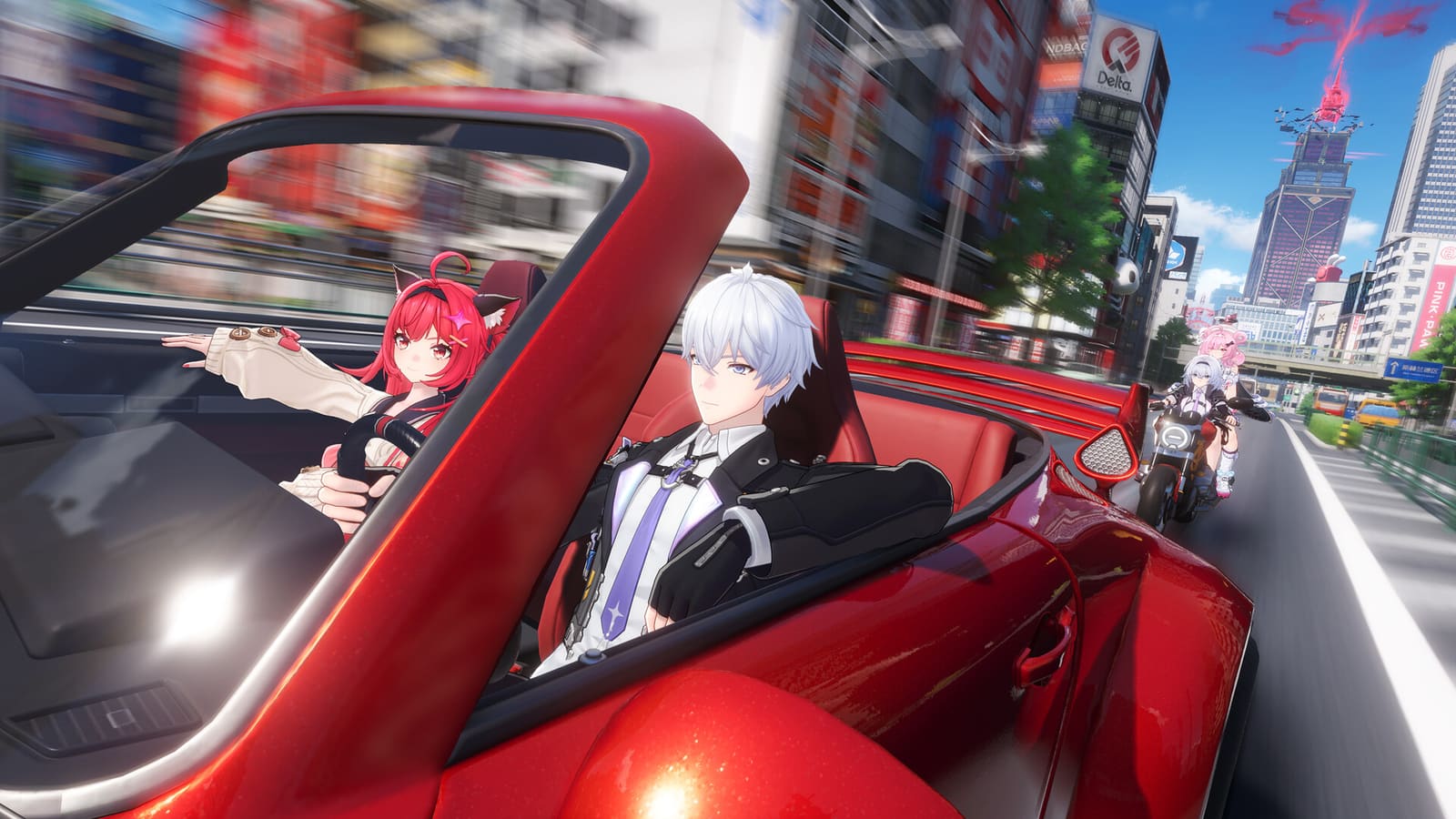
NTE: Neverness to Everness runs on PC, Mac, PS5, PS5 Pro, iOS and Android, with cross-play and cross-save between all of them. The PC build is the heavy one: 60 GB installed, GTX 1660 or RX 5600 XT minimum, 16 GB of RAM, and an SSD that is not optional. Mobile is the cheap door in at roughly 20 GB.
The number that catches people out is not 60. It is 120 — the PC installer needs a second 60 GB of scratch space while it unpacks. I lost an evening to that on a drive with 80 GB free, and the launcher only tells you once it has already pulled the whole archive. Everything below is the order I would check things in before you commit the bandwidth.
Five platforms, and only one of them asks for 60 GB
NTE ships everywhere at once, and the download is not remotely the same on any two devices. Your phone gets you in for a third of the PC footprint.
- PC and Mac — official launcher or Steam, ~60 GB installed
- PS5 / PS5 Pro — just over 52 GB, ~49 GB on Pro
- iOS and Android — around 20 GB
Same account, smaller assets
Mobile is not a cut-down game. The textures and view distance are scaled, the progress is not — one account, cross-save, cross-play across all five. Start on the phone tonight, move to the desktop when you have cleared the space.
PS5 owners should keep about 70 GB free rather than the 52 the store quotes. Patches on this engine land large, and a console that runs out mid-update makes you re-pull the whole thing.
On PC, 60 GB really means 120 GB free

Clear 120 GB before you start, not 60. The archive downloads, then extracts alongside itself, and only then does the temporary copy get deleted. Steady state afterwards is the 60 GB you were promised.
My own attempt died here. I had 80 GB free on the system drive, the download finished, extraction stopped a few minutes in, and the launcher offered no partial resume — I re-downloaded from zero the next morning.
The SSD is a requirement, not a suggestion
Run this off a mechanical drive and you will get texture pop-in on every street corner and loading screens measured in tens of seconds. That is streaming, not frame rate: no graphics setting fixes it. If your only spare space is an HDD, that is the upgrade to make before any GPU.
GTX 1660 at 1080p: the six settings, in the order I change them

Target 1080p and the Performance preset. Anything above that on a 1660-class card is a slideshow in the city. Copy this order — each step is a correction on top of the one before.
1. Overall graphics quality → Performance. Your baseline. Do not tune anything before this. 2. View distance → Very Low. The single biggest gain on minimum-spec hardware. You lose building detail four blocks out; nothing in combat changes. 3. Traffic and crowd density → lowest. Others tab, fifth icon along, the three circles. 4. Upscaling (TSR, FSR or DLSS) → Performance. Renders below 1080p and reconstructs. Fine edges shimmer slightly in motion. 5. Motion blur → off. It costs you almost nothing in frames, but it hides the frame drops you need to see while tuning. 6. Frame cap 60, VSync forced in the driver. Stops the tearing the in-game toggle leaves behind.
What crowd density actually buys you
Traffic was worth roughly ten frames in the market district on my old 1660 Ti laptop, and it is the one setting that changes what you see most. Pedestrians thin out, the street reads emptier, the city loses some of its point. I take the trade anyway — a busy street at 40 FPS is worse than a quiet one at 60.
Ray tracing is not on your menu at this tier. It is an RTX 40/50-class feature here, and leaving it off is not a compromise you need to feel bad about.
Play NTE: Neverness to Everness free tonight: 25 GB on a phone, cross-save to PC later
Free-to-play, cross-save across all five platforms. Check your free space first: 120 GB on PC, 25 GB on phone.
Play NTE free →Where the line falls on your phone and your old laptop
Minimum spec here means 1080p 60 with things turned down — it does not mean the game looks like the trailer.
You are fine on PC with:
- GTX 1660, RX 5600 XT or Arc A580 and up
- 16 GB of RAM (this is a floor, not a target)
- Windows 10 or 11, on an SSD
- An i7-10700 or Ryzen 7 3700X class CPU — the traffic simulation is CPU-hungry
You are fine on mobile with:
- Android: Snapdragon 855 or Dimensity 1000 minimum, 8 GB RAM, Android 10+
- iOS: iPhone 12 Pro (A14) minimum, iOS 15+, 6 GB RAM
- Smooth 60 on mobile realistically wants a Snapdragon 8 Gen 2 or iPhone 14 Pro class chip
The 20 GB that is really 25
My phone showed 24 GB free and the install still stalled — iOS and Android both want headroom above the package size to unpack. Clear 25 GB and stop guessing. A 128 GB phone with a photo library on it is the most common failure I see, and it has nothing to do with your chipset.
Three things that could still stop you, and the way out of each
16 GB of RAM is a hard floor, and it behaves like one. Below it the engine thrashes on streaming and you get stutters no preset fixes. Way out: 32 GB is the cheapest meaningful upgrade you can make for this game, well ahead of a new card.
Do not read "GTX 1660 minimum" as "this game is light." Benchmarks have an RTX 5090 struggling to hold a steady 30 at native 4K with everything on. Way out: stay at 1080p, keep upscaling on, and ignore the ultra presets entirely — they were not built for your tier.
PS5 asks you to pick. Performance mode runs 1440p–1800p at 60, quality mode dynamic 4K at 30. Way out: take performance. This is a driving game as much as a combat game, and 30 FPS behind the wheel reads as input lag.
Client size, free space and realistic frame rate target per platform
| Platform | Download | Free space to keep | Minimum device | Frame rate target |
|---|---|---|---|---|
| PC (Win 10/11) | ~60 GB | 120 GB during install | GTX 1660 / RX 5600 XT, 16 GB RAM, SSD | 1080p 60, Performance preset |
| PS5 | just over 52 GB | 70 GB | PS5 | 1440p–1800p 60 in performance mode |
| PS5 Pro | ~49 GB | 70 GB | PS5 Pro | 4K 60 with PSSR2 |
| iOS | ~20 GB | 25 GB advised | iPhone 12 Pro (A14), iOS 15+ | 60 on iPhone 14 Pro class |
| Android | ~20 GB | 25 GB advised | Snapdragon 855 / Dimensity 1000, 8 GB RAM | 60 on 8 Gen 2 class |
Read next
- The full NTE overview: platforms, weight, gacha and espers — The pillar of the silo — readers who want the wide view of the game rather than the technical entry point.
- Lighter free PC games and the settings that hold 60 FPS — Direct exit for readers whose machine or drive cannot take 120 GB and a GTX 1660.
- Which espers to level first — The natural next step once the reader is installed and running — sibling satellite in the silo.
- How NTE's gacha compares to Zenless Zone Zero — Answers the money question the setup article deliberately leaves alone.