
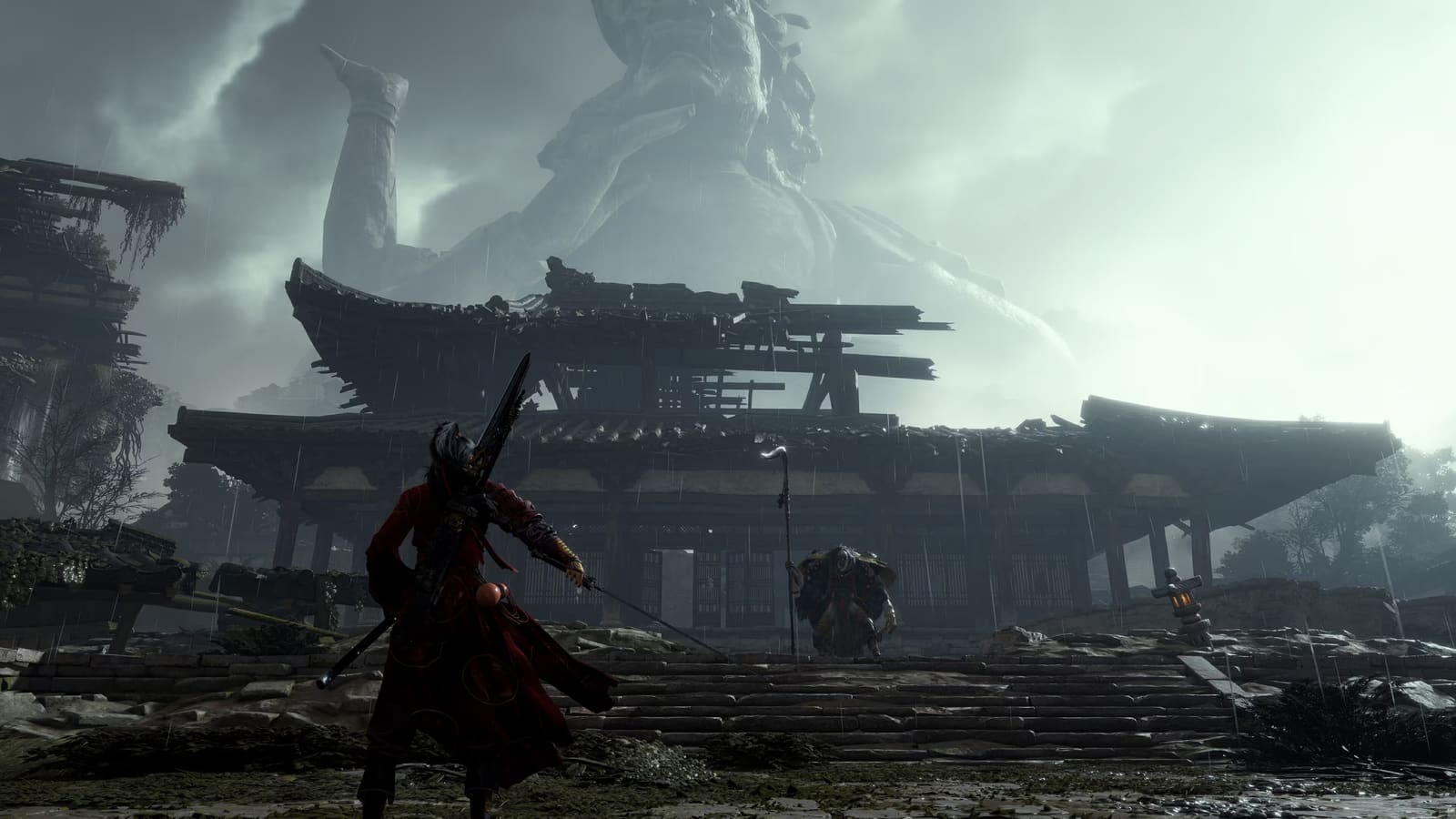
Where Winds Meet is free on PC (Steam, Epic, official launcher), PS5, Xbox Series X|S, iOS and Android, with cross-play and shared progress across all of them. On PC the package weighs 68 GB, 100–110 GB or roughly 120 GB depending on which one you pick — and Steam only ever offers you the middle one.
The GPU floor is a GTX 1060 6 GB, paired with 16 GB of RAM and DirectX 12. That card runs the game at 1080p with upscaling. Two decisions come before any graphics setting: which client you pull down, and how much free space you leave behind it.
The Lite Client Cuts Where Winds Meet to 68 GB

The Lite package weighs 68 GB. The Standard build Steam hands you weighs 100 to 110 GB. Same servers, same account, same content.
Texture resolution is the only real difference. On a 6 GB card you were never going to render those textures at full size anyway.
The selector does not exist on Steam
Steam and Epic give you one build: Standard. The package choice lives only in the official NetEase launcher, taken from wherewindsmeetgame.com.
- Get the launcher installer (a few hundred MB) from the official site
- Sign in, open Where Winds Meet, then the package selector
- Pick the ~68 GB Lite build instead of the ~110 GB one
- Progress is account-side: switching client costs you nothing
I started on Standard on my 2019 laptop, GTX 1060 6 GB, then moved to Lite after the first patch. My average did not double — but the stutter in the crowded market streets stopped. Owners of much weaker cards, 750 Ti and RX 550, report far bigger jumps than mine.
GTX 1060 6 GB Is the Floor of the PC Requirements
GTX 1060 6 GB is the minimum GPU, not a comfortable one. NetEase pairs it with 16 GB of RAM, and that memory line blocks more readers than the card does.
The two official tiers
Minimum:
- Windows 10/11 64-bit, DirectX 12
- Core i7-7700K / Ryzen 5 1600
- 16 GB RAM
- GTX 1060 6 GB / RX 480 8 GB
Recommended:
- Core i7-10700 / Ryzen 7 3700X
- 32 GB RAM
- RTX 2070 SUPER / RX 6700 XT / Arc A750
With 8 GB of RAM, no graphics setting saves you. The game pages to disk and hitches whatever your GPU is doing. A second memory stick is the cheapest fix on this list — buy that before anything else.
Your 1060 sits at the floor, so you play at 1080p with upscaling. Treat 1440p on this card as off the table rather than something to tune toward.
The Settings That Hold 60 FPS on a GTX 1060
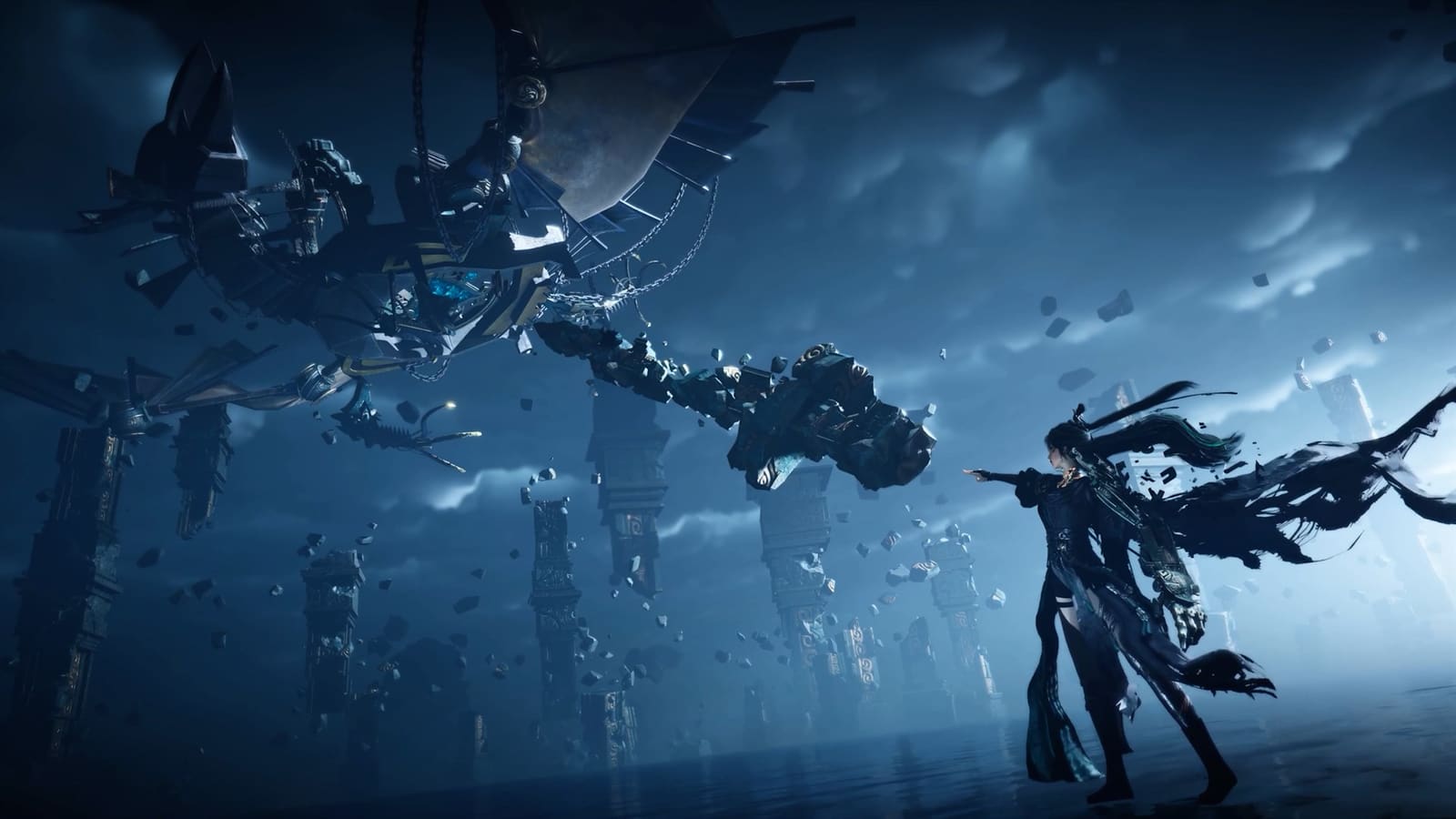
Shadow quality on Low is the single biggest gain on this card. It drops most of the shadow work the CPU carries. Change it before you touch anything else.
Copy this list
- Resolution: 1920x1080, fullscreen
- Upscaling: FSR Quality — DLSS needs an RTX card, your 1060 has no access to it
- Shadow quality: Low
- Volumetric clouds and fog: Off
- Vegetation: Medium
- NPC / crowd density: Low in cities, Medium outdoors
- Textures: Medium — 6 GB of VRAM will not hold High
- Motion blur: Off. API: DirectX 12
What you give up on screen
Volumetric fog off flattens the morning valleys, and that is the one you will actually miss. Roof tiles and cloth patterns soften at Medium textures.
Crowd density is where I lost the most in town and won the most back. Lowering it thins distant NPCs only; combat, markers and quest characters are untouched.
Play Where Winds Meet free tonight: the Lite package is 68 GB, not 110
Pick the ~68 GB Lite package in the launcher rather than the Steam build: same account, same servers, roughly 42 GB less sitting on your drive.
Play Where Winds Meet free →Plan 130 GB Free, Not the 100 GB Steam Lists
Free up 130 GB, not 100. The store page lists around 100 GB, but shader cache, patches and extraction files sit on top of it. Players report folders well past 130 GB after a few updates.
An SSD is a practical requirement, and the developer says as much. On a mechanical drive you pay for it in zone loading and asset pop-in, constantly.
The other platforms weigh the same
- PS5, Xbox Series X|S, iOS and Android: near 100 GB, no Lite option
- Lite exists on PC only, through the official launcher
- Cross-play and cross-progression cover every platform
Phone nearly full? Stay on PC and keep one account. My own phone never had room for this one, and it cost me nothing — progress follows the account.
Two reserves remain. A GTX 1060 3 GB is below the line: textures alone will not fit, so aim at a 6 GB card. And on a laptop 1060, cap the frame rate at 45 instead of chasing 60 — the thermal throttle costs you more than the setting ever gives back.
The three PC packages — sizes as listed by the official launcher and the Steam store page
| Package | Download | Free space to plan | Where you get it | On a GTX 1060 6 GB |
|---|---|---|---|---|
| Lite | ~68 GB | ~90 GB | Official launcher only | Take this one |
| Standard | ~100-110 GB | ~130 GB | Steam, Epic, launcher | Runs, no headroom |
| Ultimate | ~120 GB | ~150 GB | Official launcher only | Not for this card |
Read next
- The full Where Winds Meet overview — The pillar: platforms, weight, weapons and the cosmetic shop in one place, for readers who want the wide view rather than the spec sheet.
- Which weapon to level first — Once the client is running, the next decision is the weapon tree — sword, fan or spear.
- NTE asks for 60 GB and a GTX 1660 — Closest comparable setup article: another free open-world title with a published GPU floor, useful for sizing the same drive.
- Lighter free PC games and what they weigh — The exit for readers stuck under 16 GB of RAM or without 130 GB of free space.